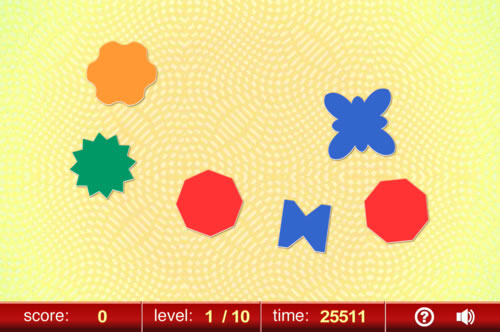
Find A Pair
PLAYING GUIDE
Choose the matching shapes from the range of shapes displayed.
GAME SETUP
Initial Number of shapes
The number of shapes in the first level of the game.
Number of Additional Shapes Per Level
Sets the number of extra shapes on screen for each new level of the game.
CONTROL METHODS
Mouse
Click the mouse on a shape to select it.
Keyboard
Press the cursor (direction keys to move through the selection of shapes then press the SPACEBAR or ENTER/RETURN key to make your selection.
Single Switch Scanning
The scanning cursor will automatically move through the selection of shapes. Click the mouse, key or switch when the shape you choose is highlighted.
NOTE: If you choose "Mouse Click Only (Scanning)" then a large green button will be displayed below the Game Menu and below the Game. Your mouse cursor must be positioned over the large green button while scanning for the mouse/switch clicks to be detected.